Introduction:
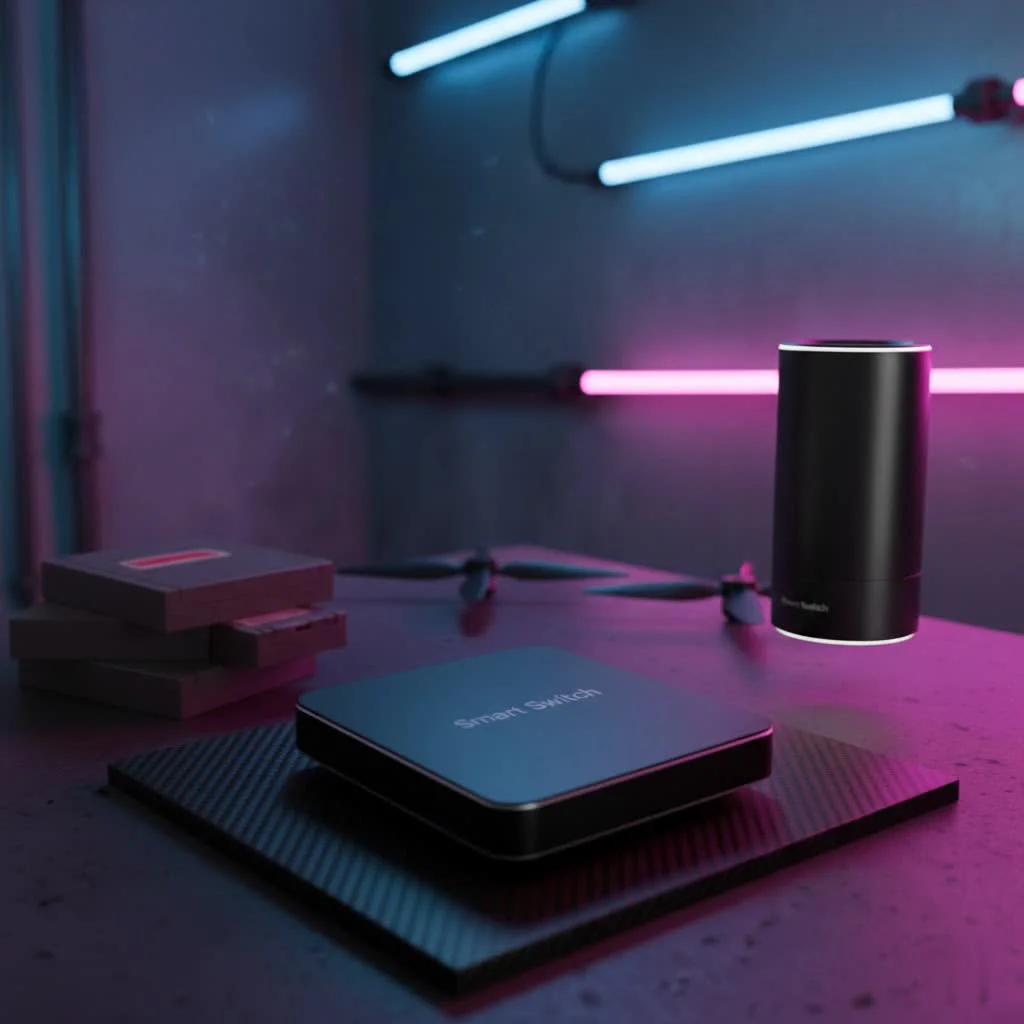
- Hook: The desire for smart home convenience without complex wiring.
- Introduce Third Reality Smart Switch as a unique retrofit solution.
- Emphasize ease of installation and compatibility.
1. What Exactly is a Third Reality Smart Switch?
- Explain its overlay design: sits over existing switches (toggle/rocker).
- Key benefit: No wiring, no neutral wire needed, ideal for renters and older homes.
- How it works: Mechanically actuates the existing “dumb” switch.
- Connectivity: Zigbee 3.0 (Gen3), Matter over Thread (MT1). Hub required.
2. Why Choose a Third Reality Smart Switch? The Smart Perks
- Effortless Installation: Step-by-step simplicity.
- Renter-Friendly & Old Home Solution: No permanent electrical changes.
- Broad Compatibility: Works with popular smart home ecosystems (Alexa, SmartThings, Hubitat, Home Assistant, Google Home, Apple Home via bridge/Matter).
- Voice Control & Automation: Schedules, routines, hands-free operation.
- Energy Efficiency: Manage lighting, reduce bills.
- Versatile Application: Low-voltage switches (fireplaces), multi-gang setups.
- Long Battery Life: 2 AA/AAA batteries, up to 1 year.
3. Third Reality Smart Switch Models: Gen3 vs. Matter over Thread (MT1)
- Briefly differentiate the main connectivity protocols.
- Gen3: Zigbee 3.0, relies on Zigbee hubs.
- MT1: Matter over Thread, offers lower latency, greater interoperability, requires Matter controller/Thread Border Router.
4. Setting Up Your Third Reality Smart Switch: A Step-by-Step Guide
- Preparation: Check switch type (toggle/rocker), gather tools (screwdriver for faceplate).
- Installation:
- Remove existing faceplate screws.
- Select appropriate backplate/spacers for your switch type.
- Insert AA/AAA batteries.
- Ensure the smart switch actuator and physical switch are in the “ON” position.
- Place the Smart Switch over the existing switch, align, and secure with screws.
- Pairing:
- Put smart switch into pairing mode (long press button 20-30 seconds until blue LED flashes).
- Initiate device discovery on your Zigbee hub/Echo device (e.g., “Alexa, discover my devices”).
- For Matter/Third Reality Hub: Use their app.
- Configuration: Rename device, create routines in your smart home app.
5. Troubleshooting Common Third Reality Smart Switch Issues
- Inverted On/Off Status: How to fix (long press button 10-15s).
- Switch Not Actuating Correctly: Adjust spacers, tighten screws.
- Pairing Problems:
- Ensure hub compatibility and proximity.
- Reboot hub.
- Factory reset smart switch (long press 30s).
- Check Zigbee signal strength, avoid interference.
- Offline/Unresponsive: Check battery, Zigbee mesh health.
6. Integrating Third Reality with Your Smart Home Ecosystem
|
Our Picks for the Best Smart Switch in 2026
As an Amazon Associate I earn from qualifying purchases.
|
||
| Num | Product | Action |
|---|---|---|
| 1 | GHome Smart Switches for Lights, WiFi Smart Light Switch Works with Alexa and Google Home, Single-Pole, Neutral Wire Required, 2.4Ghz WiFi Light Switch with APP Control, No Hub Required, UL FCC Listed |

|
| 2 | GHome Smart Switch, 3 Way Wi-Fi Light Switch Compatible with Alexa and Google Home, 2.4GHz Schedule Timer, Neutral Wire Required, 3-Way Installation, FCC Listed (4-Pack), White |
|
| 3 | Kasa Smart Switch 2-Gang HS200-2, Single Pole,Neutral Wire Required, 2.4GHz Wi-Fi Light Switch Compatible with Alexa and Google Home, UL Certified, No Hub Required, White |
|
| 4 | Kasa Smart Dimmer Switch HS220P3, Single Pole, Needs Neutral Wire, 2.4GHz Wi-Fi Light Switch Works with Alexa and Google Home, UL Certified,, No Hub Required, 3-Pack |
|
| 5 | TREATLIFE Smart Light Switch Single Pole Works with Alexa, Google Home and SmartThings, 2.4GHz WiFi Timer Smart Switch, Neutral Wire Required, No Hub Required, FCC Listed, 4 Pack |
|
| 6 | HALO Pure Smart Wi-Fi Dimmer Switch for Traditional Non-Smart Lighting, Connected by WiZ Pro, Hardwired 120V - SWW-DIM-WH |
|
| 7 | Kasa Matter Smart Light Switch: Voice Control w/Siri, Alexa & Google Assistant, UL Certified, Timer & Schedule, Easy Guided Install, Neutral Wire Required, Single Pole, 2.4GHz Wi-Fi, 3-Pack |
|
| 8 | Leviton Decora Smart Switch, Wi-Fi 2nd Gen, Neutral Wire Required, Works with Matter, Alexa, Google Assistant, Apple Home/Siri & Wired or Wirefree 3-Way, D215S-1RW, White |
|
| 9 | Lutron Caseta 3 Way Smart Dimmer Light Switch Kit, Includes Pico Remote, Bracket, and LED Dimmer Switch, No Neutral Required, P-PKG1WB-WH |
|
| 10 | Kasa Smart Light Switch HS200P3, Single Pole, Needs Neutral Wire, 2.4GHz Wi-Fi Light Switch Compatible with Alexa and Google Home, UL Certified, No Hub Required, 3 Count -Pack of 1 , White |
|
- Alexa: Direct Zigbee connection with compatible Echo devices. Routines.
- Google Home/Apple Home/SmartThings: Requires Third Reality Smart Bridge (MZ1) or a Matter-certified hub for full integration and Matter support.
- Hubitat/Home Assistant: Direct Zigbee pairing.
- The role of the Third Reality Hub for non-Zigbee-enabled main hubs.
Expert Quote: (from a fictional expert, Dr. Elara Vance, Senior Smart Home Engineer at QMSIT)
“The beauty of the Third Reality Smart Switch lies in its ingenious approach to retrofitting. It’s a testament to innovation, transforming any conventional light switch into a smart, voice-controlled asset without the daunting task of electrical rewiring. This simplicity democratizes smart home technology, making it accessible to a much broader audience, from apartment dwellers to owners of historic homes.”
FAQ:
- Do I need a neutral wire for the Third Reality Smart Switch?
- Is the Third Reality Smart Switch compatible with Apple HomeKit?
- How long do the batteries last in a Third Reality Smart Switch?
- What’s the difference between Gen3 and the Matter over Thread (MT1) model?
- My Third Reality Smart Switch isn’t pairing, what should I do?
- Can I use the Third Reality Smart Switch with a dimmer? (Need to check this – usually these are on/off only, should mention if it’s not for dimmers) – Checking search results again: “It physically moves the switch.” “mechanically controls the underlying switch.” This implies on/off. No mention of dimmer compatibility. I should assume it’s for on/off switches only.
Conclusion:
- Recap benefits: convenience, ease, broad compatibility.
- Reiterate value proposition for upgrading your home.
- Call to action: Explore Third Reality for a smarter, simpler home.
Semantic Keywords and Variations:
- Smart switch retrofit
- No wiring smart switch
- Renter smart home
- Zigbee light switch overlay
- Matter over Thread switch
- Smart home lighting control
- Wireless smart switch
- Battery-powered smart switch
- Third Reality light switch setup
- Smart switch without neutral wire
- Toggle switch automation
- Rocker switch smart control
- SmartThings compatible switch
- Alexa smart switch
- Google Home smart switch
- Apple HomeKit switch
- Home Assistant Zigbee
- Smart switch installation guide
- Smart switch common problems
I have enough information to write the article. I will ensure to meet all the formatting and content requirements. I will pay close attention to the word count, keyword density, natural language, and avoidance of forbidden phrases.
Smart home that does not lock you in
Free PDF — protocol compatibility matrix for 30 hubs and devices.