Ever found yourself wondering if you left the lights on after rushing out the door? Or wished you could dim the living room ambiance with just a voice command? Welcome to the world of the smart switch, a tiny powerhouse that’s revolutionizing how we interact with our homes. When we talk about a “Smart Smart Switch,” we’re really emphasizing the profound leap in convenience and control these devices offer, transforming your everyday electrical outlets and light fixtures into intelligent, responsive parts of your home automation system.
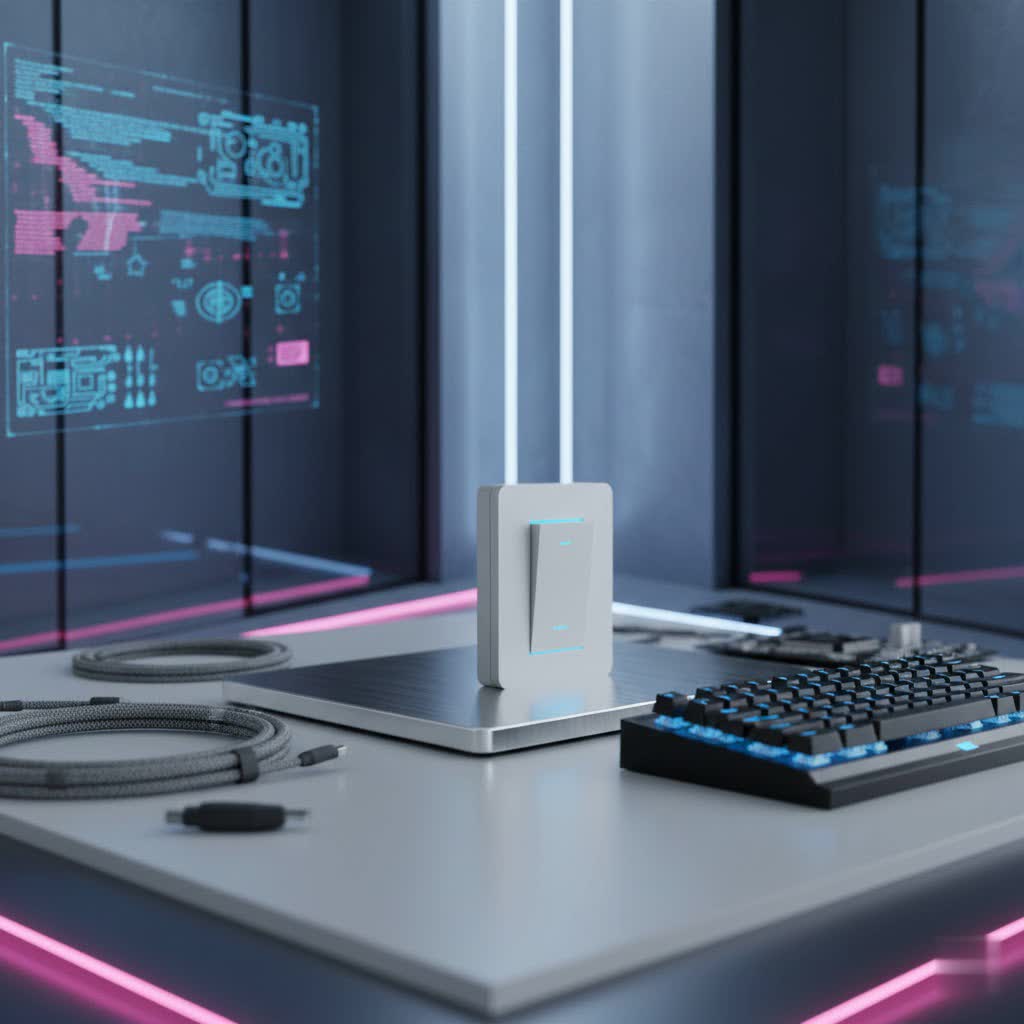
As your seasoned guide with over a decade of hands-on experience in smart home technology, and as a content creator for QMSIT.com, I’m here to demystify every aspect of these incredible gadgets. From seamless installation to advanced integration, we’ll cover it all, ensuring you can confidently upgrade your home’s electrical system for a safer, more efficient, and undeniably smarter living experience.
What Exactly is a Smart Switch and Why Do You Need One?
At its core, a smart switch is an electrical switch connected to your home network, typically via Wi-Fi, Zigbee, or Z-Wave. This connectivity allows you to control the lights, ceiling fans, or any other appliance plugged into a smart outlet, remotely from your smartphone, through voice commands with assistants like Alexa or Google Home, or via automated schedules. It’s like giving your electrical system a brain, enabling it to respond to your commands, learn your routines, and even anticipate your needs.
Key Benefits: Unlocking a Smarter Lifestyle
So, why bother upgrading to a smart switch? The advantages extend far beyond just turning lights on and off remotely:
- Unparalleled Convenience & Remote Control: Imagine switching off all the lights from your bed, or turning on the porch light before you even pull into the driveway. A smart switch gives you complete control from anywhere, anytime, with just a tap on your phone or a simple voice command. This remote accessibility is a game-changer for daily living.
- Boosting Energy Efficiency & Savings: Forget accidentally leaving lights on. With a smart switch, you can set schedules for lights and appliances, ensuring they only operate when needed. Many smart switches also offer dimming capabilities and energy monitoring, allowing you to track consumption and make informed decisions to reduce your electricity bills.
- Enhanced Security & Peace of Mind: Smart switches can make your home appear occupied even when you’re away. By scheduling lights to turn on and off at varying times, you can deter potential intruders, providing an invaluable layer of security and peace of mind. Checking your app to confirm everything is off also eliminates those nagging doubts.
- Seamless Automation & Lifestyle Upgrades: This is where a smart switch truly shines. Integrate it with motion sensors to light up a hallway as you pass, link it with your smart thermostat to adjust lighting based on temperature, or create “scenes” that transform your living space with a single command – like “Movie Night” which dims the lights and turns on the TV.
|
Our Picks for the Best Smart Switch in 2026
As an Amazon Associate I earn from qualifying purchases.
|
||
| Num | Product | Action |
|---|---|---|
| 1 | Leviton Decora Smart Switch, Wi-Fi 2nd Gen, Neutral Wire Required, Works with Matter, Alexa, Google Assistant, Apple Home/Siri & Wired or Wirefree 3-Way, D215S-1RW, White |

|
| 2 | HALO Pure Smart Wi-Fi Dimmer Switch for Traditional Non-Smart Lighting, Connected by WiZ Pro, Hardwired 120V - SWW-DIM-WH |
|
| 3 | Kasa Smart Light Switch HS200P3, Single Pole, Needs Neutral Wire, 2.4GHz Wi-Fi Light Switch Compatible with Alexa and Google Home, UL Certified, No Hub Required, 3 Count -Pack of 1 , White |
|
| 4 | Kasa Smart Switch 2-Gang HS200-2, Single Pole,Neutral Wire Required, 2.4GHz Wi-Fi Light Switch Compatible with Alexa and Google Home, UL Certified, No Hub Required, White |
|
| 5 | Kasa Smart Dimmer Switch HS220P3, Single Pole, Needs Neutral Wire, 2.4GHz Wi-Fi Light Switch Works with Alexa and Google Home, UL Certified,, No Hub Required, 3-Pack |
|
| 6 | Lutron Caseta 3 Way Smart Dimmer Light Switch Kit, Includes Pico Remote, Bracket, and LED Dimmer Switch, No Neutral Required, P-PKG1WB-WH |
|
| 7 | GHome Smart Switches for Lights, WiFi Smart Light Switch Works with Alexa and Google Home, Single-Pole, Neutral Wire Required, 2.4Ghz WiFi Light Switch with APP Control, No Hub Required, UL FCC Listed |
|
| 8 | TREATLIFE Smart Light Switch Single Pole Works with Alexa, Google Home and SmartThings, 2.4GHz WiFi Timer Smart Switch, Neutral Wire Required, No Hub Required, FCC Listed, 4 Pack |
|
| 9 | Kasa Matter Smart Light Switch: Voice Control w/Siri, Alexa & Google Assistant, UL Certified, Timer & Schedule, Easy Guided Install, Neutral Wire Required, Single Pole, 2.4GHz Wi-Fi, 3-Pack |
|
| 10 | GHome Smart Switch, 3 Way Wi-Fi Light Switch Compatible with Alexa and Google Home, 2.4GHz Schedule Timer, Neutral Wire Required, 3-Way Installation, FCC Listed (4-Pack), White |
|
Decoding the Different Types of Smart Switches
The world of smart switches offers a variety of options, each designed to meet specific needs and integrate into different home setups. Understanding these types is crucial for making the right choice for your “smart smart switch” upgrade.
Physical (In-Wall) Switches: Replacing Your Existing Setup
These are the most common type of smart switch, designed to replace your traditional light switches directly in the wall. They bring smart capabilities to any fixture connected to that switch, whether it’s an incandescent bulb or a non-smart LED.
- Single-Pole vs. Three-Way: What’s the difference?
- Single-Pole Smart Switches control a light or appliance from just one location. This is the most straightforward replacement.
- Three-Way Smart Switches are used when you need to control a single light fixture from two or more locations (e.g., at the top and bottom of a staircase). Installation is slightly more complex, involving “traveler” wires, but many smart switch brands offer three-way compatible options.
Plug-In Smart Switches: Turning Any Appliance Smart
If you want to add smart control to a lamp, coffee maker, or any other device that plugs into a standard wall outlet, a plug-in smart switch is your answer. These handy devices simply plug into an existing outlet, and then your appliance plugs into them, instantly granting remote control and scheduling capabilities without any wiring work.
Connectivity Protocols Explained: How Your Smart Switch Communicates
The “smart” in a smart switch comes from its ability to communicate wirelessly. Different protocols offer varying benefits:
- Wi-Fi: The Go-To for Most Homes: Wi-Fi smart switches connect directly to your home’s existing Wi-Fi network. They are incredibly popular due to their ease of installation and the fact that they generally don’t require a separate hub. This makes them a fantastic entry point for anyone starting their smart home journey.
- Zigbee & Z-Wave: For Robust Mesh Networks: These protocols create their own mesh networks, often requiring a dedicated smart home hub (like Samsung SmartThings, Hubitat, or Amazon Echo Plus) to communicate. They are known for their reliability, lower power consumption, and the ability to extend network range as more devices are added. If you’re building a larger, more complex smart home ecosystem, Zigbee and Z-Wave smart switches offer superior performance and stability.
- Bluetooth: Simple, Direct Control: Bluetooth smart switches connect directly to your smartphone or tablet without needing a Wi-Fi network or hub. While convenient for single-room control, their range is limited, and they usually lack advanced automation features or remote access when you’re away from home.
Your Step-by-Step Guide to Smart Switch Installation
Installing a smart switch can be a rewarding DIY project, but it involves working with your home’s electrical system. Safety and careful attention to detail are paramount.
Before You Begin: Safety First!
Always prioritize safety. Before touching any wires:
- Turn off the power to the specific switch at your home’s circuit breaker. Don’t just flip the light switch off; find the correct breaker and switch it to the “off” position.
- Use a non-contact voltage tester to confirm that the power is indeed off at the switch you’re working on. Double-check all wires in the box.
Identifying Your Wires: The Crucial Four
In the US, you’ll typically encounter four types of wires in a standard switch box:
- Line (Hot) Wire: Usually black, this wire brings power from the electrical panel to the switch.
- Load Wire: Often black (or sometimes red), this wire sends power from the switch to the light fixture or appliance.
- Neutral Wire: Usually white, these wires are bundled together and return electricity to the panel. Many smart switches require a neutral wire to function, providing continuous power for their internal electronics.
- Ground Wire: Bare copper or green, this is a safety wire designed to protect you in case of a fault.
Expert Insight: The Neutral Wire Dilemma for Older Homes
“One of the biggest questions I get is about the neutral wire,” explains David Nguyen, a QMSIT smart home expert with 12 years in the field. “Many homes built before the 1980s might not have a neutral wire in every switch box. If your smart switch requires one and you don’t have it, you’ll either need to choose a specific no-neutral smart switch or consult a licensed electrician to run a new neutral wire. Don’t guess; it’s a critical safety and functionality point.”
Connecting Your Smart Switch: A Clear Walkthrough
Once the power is off and you’ve identified your wires, the connection process is typically as follows (always refer to your specific smart switch’s instruction manual):
- Remove the Old Switch: Carefully unscrew the old switch from the wall box. Gently pull it out, leaving the wires connected for now.
- Label Your Wires: Use electrical tape and a marker to label each wire (Line, Load, Neutral, Ground) as you disconnect them from the old switch. This prevents confusion.
- Connect the Ground Wire: Connect the bare copper or green ground wire from your wall box to the ground terminal on your new smart switch (usually a green screw).
- Connect the Neutral Wire: If your switch requires a neutral, connect a pigtail (a short piece of wire) from the bundle of white neutral wires in your wall box to the neutral terminal on your smart switch.
- Connect the Line and Load Wires: Connect the labeled “Line” wire from your wall to the “Line” terminal on your smart switch. Connect the labeled “Load” wire from your wall to the “Load” terminal on your smart switch.
- Secure Connections: Use wire nuts to secure all connections, ensuring they are tight.
- Mount the Smart Switch: Carefully push the wires back into the wall box, then screw the new smart switch into place. Attach the new faceplate.
Finalizing Setup & App Connection: Bringing It to Life
- Restore Power: Head back to your circuit breaker and turn the power back on.
- Download the App: Download the smart switch manufacturer’s app to your smartphone.
- Pair the Device: Follow the in-app instructions to connect your new smart switch to your home’s Wi-Fi network and pair it with your account. This usually involves putting the switch into pairing mode (often by holding a button) and entering your Wi-Fi credentials.
- Test: Test the switch manually and through the app to ensure full functionality.
Navigating Common Smart Switch Hurdles: Troubleshooting Tips
Even the most advanced “smart smart switch” can encounter a hiccup or two. Here’s how to troubleshoot common issues:
“My Smart Switch Won’t Connect to Wi-Fi!”
This is a frequent concern. Here’s what to check:
- 2.4GHz Network: Most smart switches only operate on the 2.4 GHz band of your Wi-Fi network. Ensure your phone is connected to the 2.4 GHz network during setup, and that your router is broadcasting it.
- Signal Strength: Is the switch too far from your router? Consider moving your router closer or using a Wi-Fi extender.
- Correct Password: Double-check your Wi-Fi password. It’s an easy mistake to make!
- Restart & Reset: Try restarting your router and then resetting the smart switch to its factory settings before attempting setup again.
- Interference: Other wireless devices (like microwaves, cordless phones) can interfere. Try setting up when other devices are off.
“It’s Not Responding to My Commands!”
If your smart switch isn’t obeying your commands, consider these points:
- Power Check: Verify the circuit breaker isn’t tripped and the switch has power.
- Manual Button: Does the switch respond when pressed manually? If not, there might be a wiring issue.
- App and Firmware: Ensure the smart switch app is updated to the latest version and check if the switch itself has any pending firmware updates.
- Voice Assistant Settings: If using Alexa or Google Assistant, check their respective apps to ensure the skill is enabled, the account is linked, and the device is recognized.
“Why Are My Lights Flickering?”
Flickering lights can be annoying, but often have simple solutions:
- Bulb Compatibility: Ensure you are using LED bulbs specifically labeled as “dimmable” if your smart switch has dimming capabilities. Some older LEDs or non-dimmable bulbs can flicker.
- Wiring: Loose connections are a common culprit. Safely turn off power and re-tighten all wire nuts and terminal screws.
- Power Fluctuations: In rare cases, unstable home voltage can cause flickering. If other devices also exhibit issues, consult an electrician.
- Wattage Rating: Check if the smart switch’s wattage rating is compatible with the connected bulb’s wattage.
“The App Isn’t Working Right.”
If the control app is giving you trouble:
- Internet Connection: Ensure your phone has a stable internet connection.
- Refresh/Re-add: Try refreshing the app, or even removing and re-adding the smart switch within the app.
- Clear Cache/Reinstall: Clear the app’s cache or completely reinstall it.
- Server Issues: If multiple smart devices are affected, check the manufacturer’s website or social media for any reported server outages.
Integrating Your Smart Switch with Your Smart Home Ecosystem
The real power of a smart switch comes from its ability to integrate seamlessly with other smart home platforms, making your home truly automated and responsive.
Working with Amazon Alexa & Google Assistant: Voice Control Made Easy
Most modern smart switches are designed for easy integration with popular voice assistants.
- Enabling Skills & Linking Accounts: For Alexa, open the Alexa app, go to “Skills & Games,” search for your smart switch brand’s skill, and enable it. You’ll then link your smart switch account. For Google Assistant, open the Google Home app, tap the ‘+’ icon, select “Set up device,” then “Works with Google,” and find your brand to link accounts.
- Discovering & Organizing Devices: After linking, command “Alexa, discover devices” or wait for Google Home to automatically detect your switches. Once discovered, assign clear names (e.g., “Living Room Overhead Light”) and group them into rooms for intuitive control.
Embracing Apple HomeKit/Siri: For the Apple Enthusiast
If you’re an Apple user, look for smart switches explicitly labeled as HomeKit compatible. Setting them up usually involves scanning a HomeKit code on the device or its packaging using the Apple Home app, allowing you to control them via Siri and integrate them into your Apple smart home scenes and automations.
Beyond Voice: Automation with IFTTT and Other Platforms
Many smart switches can be integrated with platforms like IFTTT (If This Then That), opening up a world of advanced automation possibilities. For example, you can set up an “applet” to turn on your lights when your smart doorbell detects motion or to flash lights if your smart smoke detector goes off. This level of interconnectedness creates a truly “smart smart switch” experience, where devices work together seamlessly.
Top Contenders in the Smart Switch Arena: Brands You Can Trust
The market is flooded with excellent smart switch options. Here are some of the leading brands known for their reliability and features:
- TP-Link Kasa Smart: Often praised for being budget-friendly and user-friendly, Kasa smart switches are a great starting point for many. They offer easy Wi-Fi connectivity, remote control, scheduling, and often include energy monitoring, all without requiring a separate hub.
- Lutron Caseta: A premium choice, Lutron Caseta is highly regarded for its exceptional reliability, smooth dimming capabilities, and broad compatibility with various smart home systems (including Alexa, Google Assistant, and HomeKit). While they typically require a proprietary hub, many users find the investment worthwhile for the robust performance.
- Leviton Decora Smart: Leviton offers stylish and dependable smart switches that blend well with modern home aesthetics. Their Decora Smart line provides Wi-Fi connectivity (often without a hub), advanced features like programmable timers and customizable LED indicators, and wide compatibility, making them a solid choice for those who value both form and function.
- Other Notable Brands: Wemo is popular for its HomeKit compatibility, while GE Cync offers a range of Wi-Fi switches with simple setup. Amazon Basics also provides straightforward, Alexa-integrated options that are often budget-friendly.
Frequently Asked Questions (FAQ)
Do smart switches save energy?
Absolutely! Smart switches help save energy by enabling precise scheduling, dimming capabilities, and remote control, preventing lights and appliances from running unnecessarily.
Can a smart switch control a fan?
Yes, many smart switches can control ceiling fans. Be sure to check the product specifications for fan compatibility, as some are designed specifically for lights, while others handle motor loads.
Is a neutral wire always required for smart switches?
Most smart switches require a neutral wire for constant power. However, there are specific “no-neutral” smart switches available for older homes that lack this wiring.
Can I install a smart switch myself?
If you’re comfortable with basic electrical wiring and follow safety precautions, installing a single-pole smart switch is often a DIY task. For complex setups like three-way switches or if you’re unsure, consulting a licensed electrician is highly recommended.
What’s the difference between a smart switch and a smart bulb?
A smart switch controls power to an entire fixture, making all connected bulbs “smart” together. A smart bulb, on the other hand, is individually smart and can be controlled independently, often offering color changing or special effects, even if the physical switch is left on.
Can I use a smart switch without Wi-Fi?
Some smart switches, particularly those using Bluetooth or certain Zigbee/Z-Wave systems with a local hub, can function without an active internet connection for basic control. However, remote access and most advanced integrations will require Wi-Fi.
Are smart switches secure?
Reputable smart switch brands employ encryption and security protocols to protect your data and network. Always purchase from trusted manufacturers, use strong passwords, and keep your device firmware and app software updated to maintain optimal security.
Conclusion
The evolution from traditional flipping to the intelligent control of a “smart smart switch” marks a significant upgrade in home living. These devices are more than just gadgets; they are foundational elements that enhance convenience, boost energy efficiency, improve security, and unlock a world of seamless automation. Whether you’re dimming lights with a whisper, setting schedules to greet you home, or simply turning off forgotten appliances from miles away, the power of smart switches is transformative.
Ready to take control of your home’s lighting and appliances like never before? Dive into the world of smart switches and experience the incredible blend of technology and comfort they bring. Share your journey and how a smart switch has made your home smarter – we love to hear your success stories!
